
Module 3
AI-powered editing, driven by pedagogy and what you know your students need.
Diffit Chat is an AI assistant that sits on top of any resource you've generated. Instead of regenerating from scratch when something's off, you ask Chat to refine what's already there. It updates the resource you're already working in.
Key tips for using Diffit Chat:
Be specific. "Make this easier" is vague. "Add sentence stems to the comprehension questions" tells Chat exactly what to change and where.
Name your audience when it matters. "Lower the reading level for my 8th graders reading at a 5th grade level" works better than "lower the reading level."
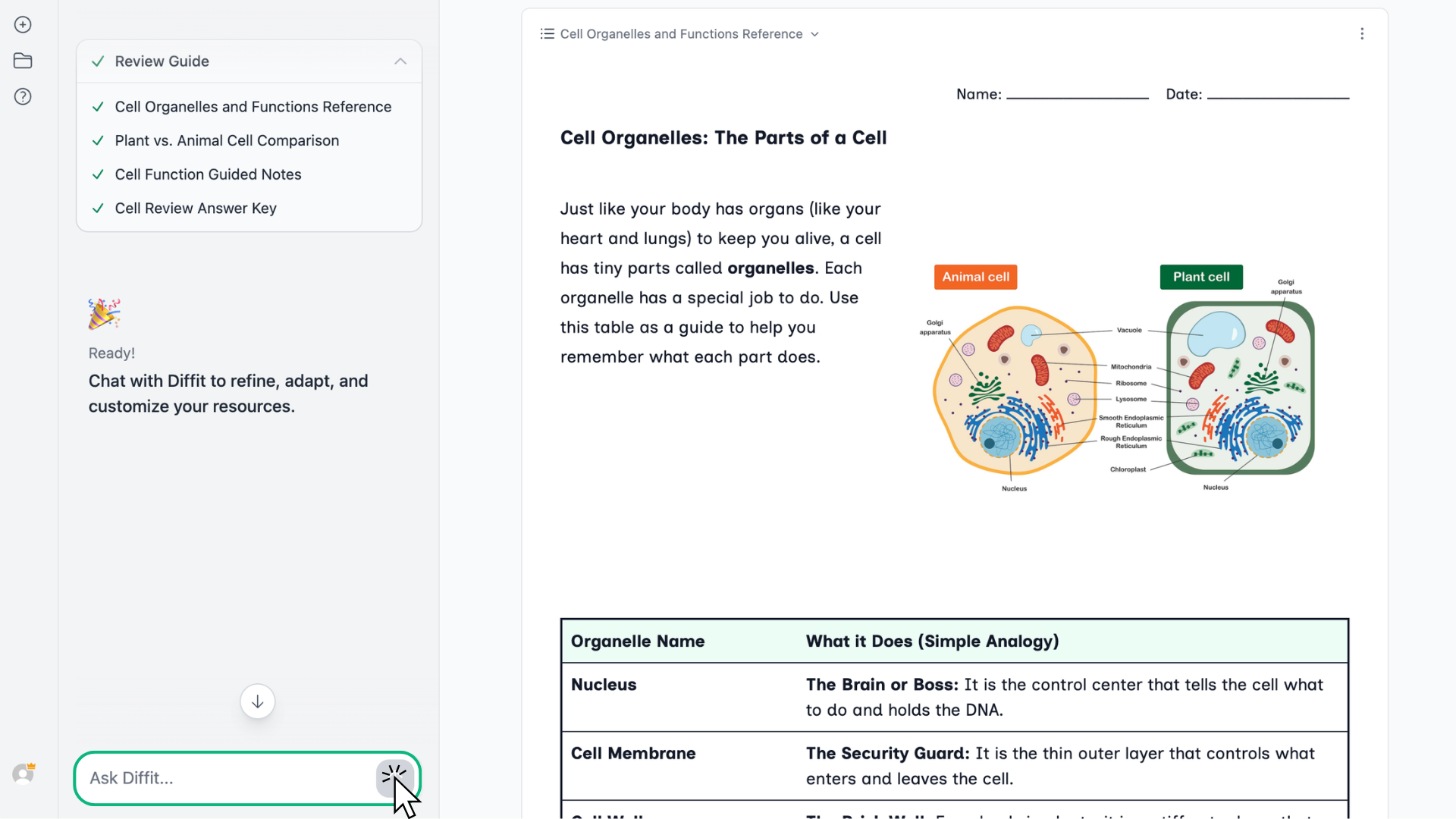
Iterate. If the first response isn't right, tell Chat what to adjust. You don't have to start over — keep refining until it works.
Try It
Treat it like a trusted co-teacher. Work together, explore, and see where you end up.
Open the resource you generated in Module 2 and pick one thing to change. Maybe it's the reading level, a scaffold you wish were there, or an activity that could be more challenging. Try asking Chat what you should change based on a specific student you have.
If the first response isn't what you wanted, send a follow-up. See how it feels to iterate. Take your time and chat normally — then head to Module 4 for the manual edits.