Use Diffit in Claude
Diffit now connects to Claude: just ask for a handout, sub plan, leveled passage, translation, or any other resource, and Diffit builds it right in your conversation. Claude for K-12 users are connected automatically. Everyone else can connect in Claude under Settings → Connectors by searching for Diffit and signing in (a guest option is available too). You can also add the connector directly to your account here.
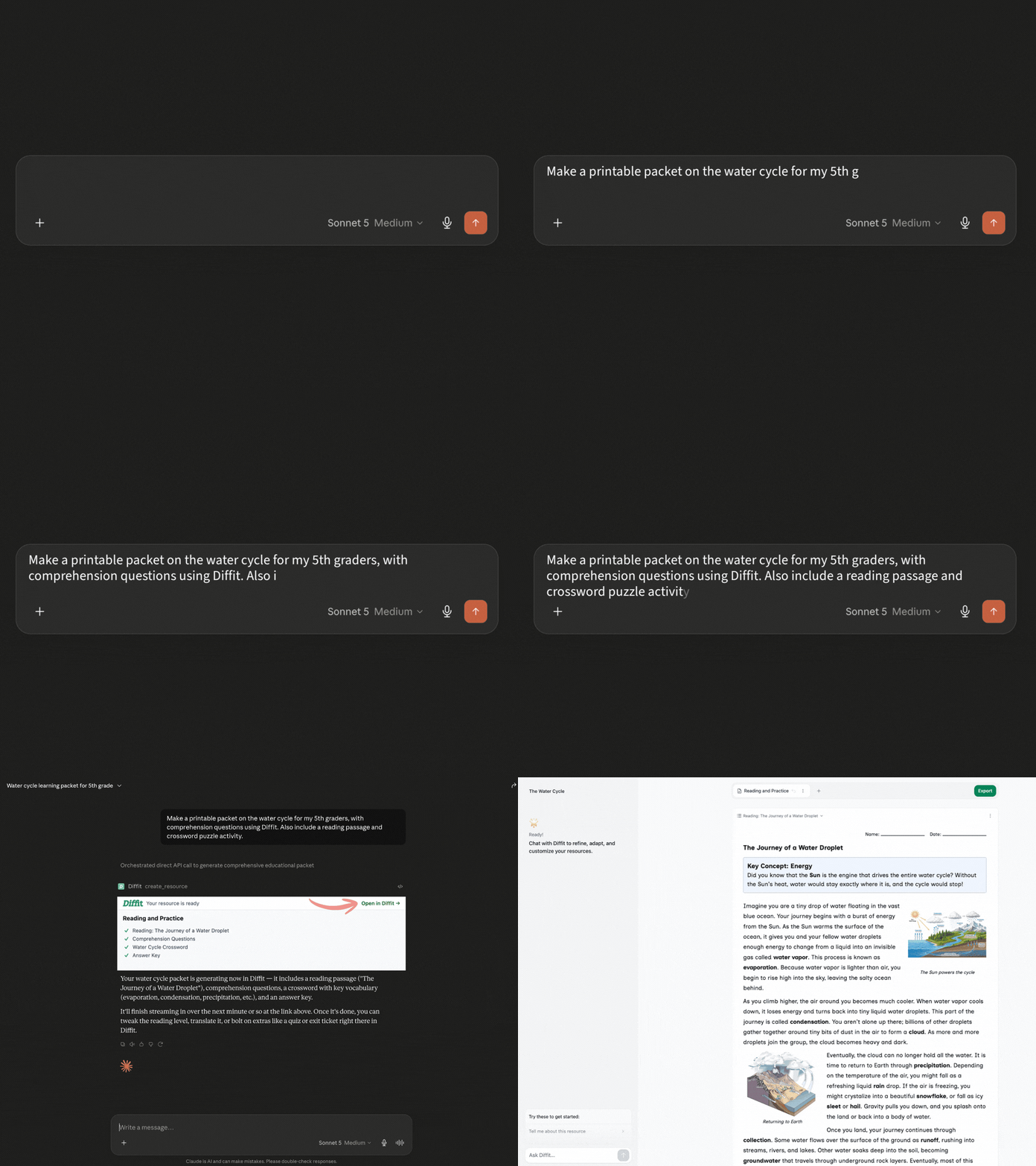
To try it, just ask in plain language: "Make a packet on the water cycle for 5th graders with a reading passage and comprehension questions using Diffit." Claude may ask a quick clarifying question, then Diffit generates the resource in about a minute. Click Open in Diffit to edit, translate, adjust reading level, or export to Google Docs, Slides, PDF, Word, and more.
No Diffit account? No problem — you can start creating right away in Claude. You'll just need to log in or sign up after a bit of use, and everything you've made will still be there.